

A quick guide to flying ships
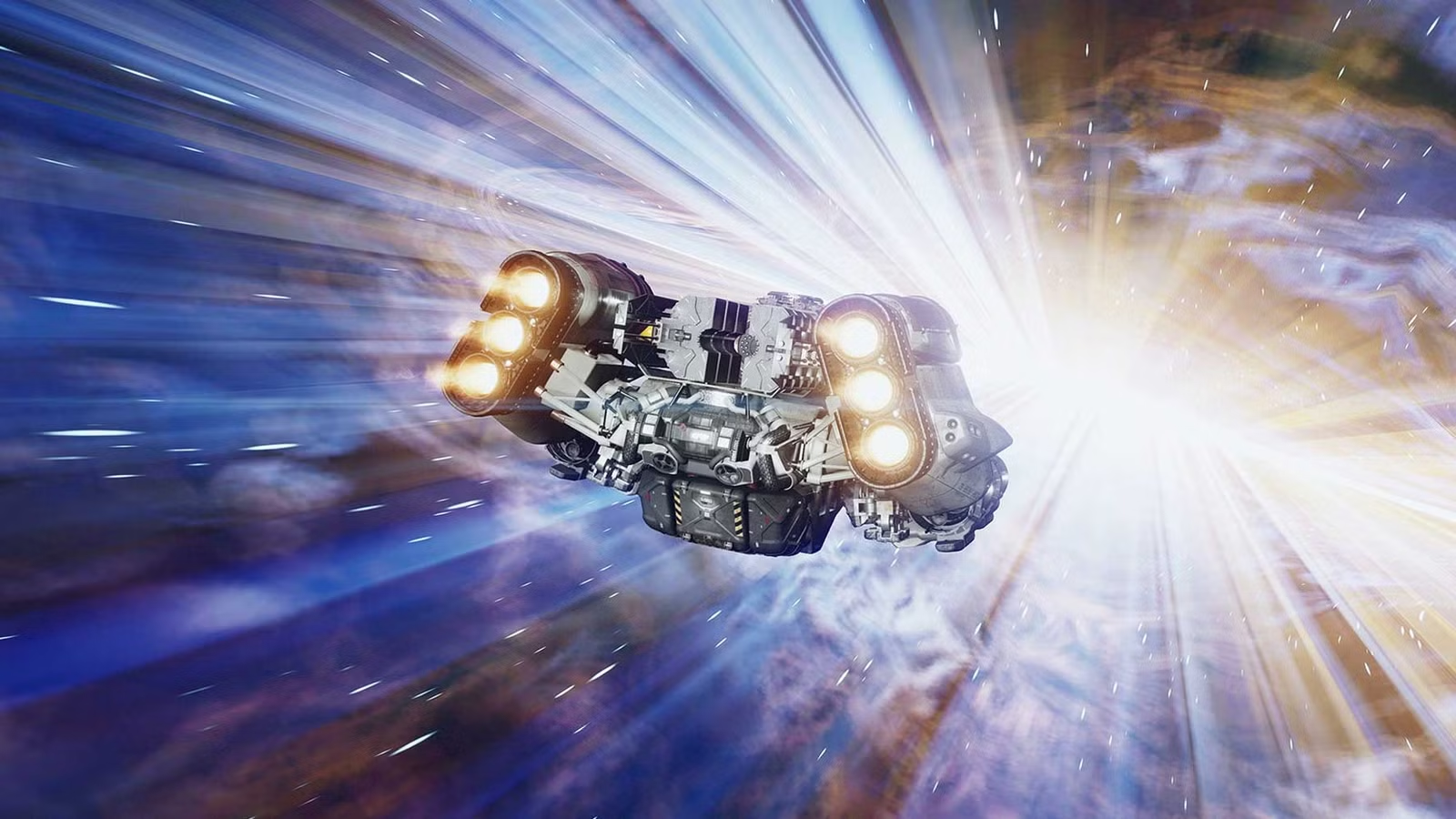
To fly a ship in Starfield, use the W/S keys or left stick to control speed, A/D or left/right stick to steer, and Left Shift to boost. Use the Up/Down arrow keys to allocate power to systems like engines and shields, and use your mouse to aim and fire weapons. Manage your ship’s throttle by centering the speed indicator on the HUD, and use the scanner (F key) to target other ships and stations.
This video explains how to fly a ship in Starfield:
Controls and movement
- Speed:
Wto increase,Sto decrease - Steering:
AandDfor left/right, or left stick on a controller - Boost:
Left Shiftto engage a temporary burst of speed - Power allocation:
UpandDownarrow keys to increase or decrease power to different systems - Throttle control: Center the speed indicator on the HUD by adjusting your throttle for better handling during turns
Combat and targeting
- Fire weapons: Use
Mouse 1orMouse 2to fire your weapons - Target locking: Center a target on your HUD for about six seconds to lock on and fire missiles automatically
- Target subsystems: Once you have the
Targeting Systems Skill, you can target specific enemy ship parts like engines to disable them - Shields and hull: Deplete the enemy’s shields before you can damage their hull. Monitor your own ship’s shields and hull on the HUD
Navigation and interaction
- Scan: Press
Fto bring up the scanner to get more information on points of interest, nearby ships, and stations - Dock: Aim at a station or ship and press
Eto hail, or get within 500m to dock or loot cargo - Fast travel: From on-planet, use the handscanner to find and fast travel to previously visited locations
Advanced tips
- Fly the simulator: The Vanguard Pilot Simulator on Jameson is an excellent way to practice and complete Piloting skill challenges without real-world consequences.
- Level up piloting: To fly higher-class ships, you must rank up the Piloting skill by completing challenges in the simulator.
- Weapon types: Consider using EM weapons to disable engines and other systems without destroying the hull, which is necessary for boarding.
- Power management: Keep your ship’s engine and shields powered up for optimal performance. Adjust power allocation based on the situation, whether you are in combat, fast traveling, or just exploring.
To fly a ship in Starfield with a controller, use the right stick for forward motion and rotation. Use the left stick to strafe left and right and to boost by clicking it down. Adjust power to ship systems like engines and weapons using the D-pad’s up and down buttons.
Basic flight and movement
- Forward/Throttle: Move the Right Stick forward.
- Speed: Use the Left Stick to increase or decrease speed.
- Boost: Press the Left Stick down.
- Strafe (Sideways): Move the Left Stick left or right.
- Rotate Ship: Use the Left Stick for roll.
- Switch View (Third Person): Press the View button.
- Repair Ship: Press the Right Stick down.
Power distribution and systems
- Navigate between systems: Press the Left and Right buttons on the D-pad.
- Increase/Decrease power: Use the Up and Down buttons on the D-pad to allocate power to different systems.
Controller vs Keyboard and Mouse
For flying in Starfield, controllers generally offer a more intuitive and smoother experience due to analog movement and built-in auto-centering, while keyboard and mouse provides superior aiming precision. Many players use a hybrid approach, preferring the keyboard and mouse for on-foot combat and switching to a controller for flight.
This video explains why some players prefer the controller for flying in Starfield:
Controller
- Pros:
- More intuitive flying: Analog sticks allow for smoother, more natural ship control and a better “feel” for flying, especially with auto-centering.
- Easier on-system management: The D-pad on a controller can make it easier to quickly switch between ship systems and adjust power levels, especially compared to using arrow keys.
- Comfort: A controller can be more comfortable for longer sessions and more relaxed play.
- Cons:
- Less precise aiming: Maneuvering for precise aiming can be more difficult compared to the high precision of a mouse.
Keyboard and mouse
- Pros:
- Superior aiming: A mouse provides a significant advantage for precision aiming, which is crucial for combat.
- More keys for systems: With many keys available, it is possible to rebind ship systems to more convenient keys for frequent access.
- Cons:
- Less intuitive flying: The lack of analog control can make ship handling feel “mushy” or sluggish, requiring constant focus on the reticle to correct course.
- Requires more focus on reticle: Straightening your ship requires manually centering the reticle, which can be more distracting than the auto-centering on a controller.